 ›
Shadow Apple
›
Shadow Apple
Shadow Apple
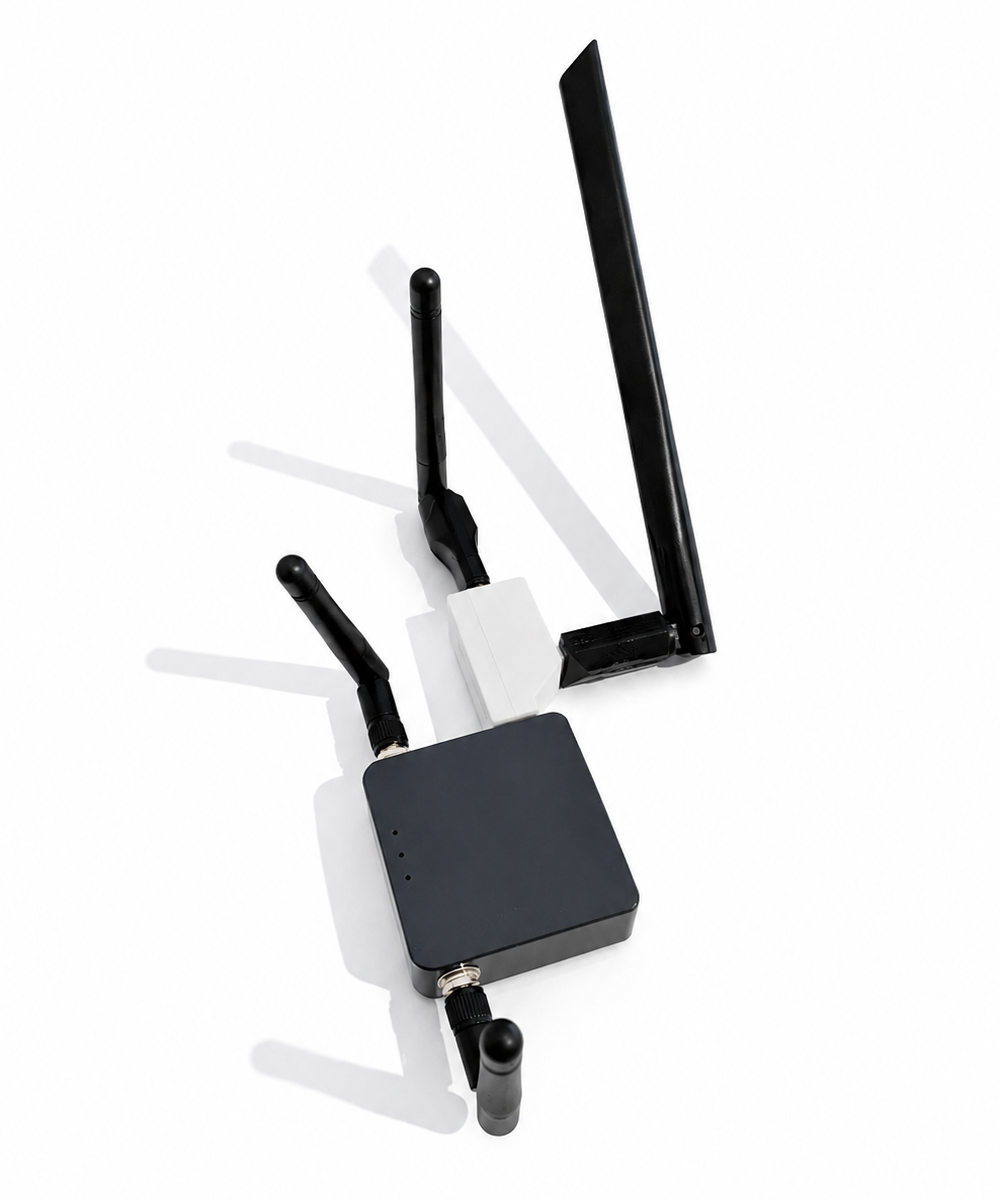
A Hak5 WiFi Pineapple clone built on a GL.iNet Shadow router — rogue AP, deauth, and full WiFi pentesting for a fraction of the price.

Specs
Base hardware
GL.iNet Shadow
Model
AR300M16-Ext
CPU
MIPS 24Kc · 650 MHz
RAM / Flash
128 MB / 16 MB
WiFi
2.4 + 5 GHz
Firmware
OpenWrt + PineAP
Hardware you need
GL.iNet Shadow (AR300M16-Ext)
required
2× USB WiFi adapters
see chipset table
USB hub
min. 3 ports
USB flash drive
any size
USB WiFi adapter chipsets
| Chipset | Status | Notes |
|---|---|---|
| MT7603E | ✓ Supported | 2.4 GHz |
| RT5370 | ✓ Supported | 2.4 GHz · common & cheap |
| RT5572 | ✓ Supported | Dual-band |
| MT7601U | ✗ Not supported | — |
| AR9271 | ✗ Not supported | — |
Getting Started
1
Get a GL.iNet Shadow
Buy the GL.iNet Shadow (AR300M16-Ext) — available on AliExpress and Amazon for around $20–30. Make sure you get the Ext variant with the external antenna ports.
2
Flash the firmware
Two methods available. The wifi-pineapple-cloner method flashes a full PineAP-compatible firmware via LuCI. The SHUR1K-N Shadowapple method is tailored specifically for the Shadow with extra features. Both are shown in the videos above.
LuCI flash procedure
Install OpenWrt 19.07.7 first → upload firmware via LuCI → select "do not keep settings" → access panel at 172.16.42.1:1471
3
Connect USB adapters & hub
Plug both USB WiFi adapters into the USB hub, then connect the hub to the Shadow. One adapter handles scanning and deauth, the other runs the rogue AP.
4
Access the web interface
Connect to the Shadow's management network and navigate to the PineAP dashboard. From here you can configure access points, view connected clients, set up evil portals, and run recon scans.
Legal notice
Using rogue AP tools against networks or devices you don't own is illegal in most countries. Use only in controlled lab environments or with explicit written permission.